Activate session using unused play time
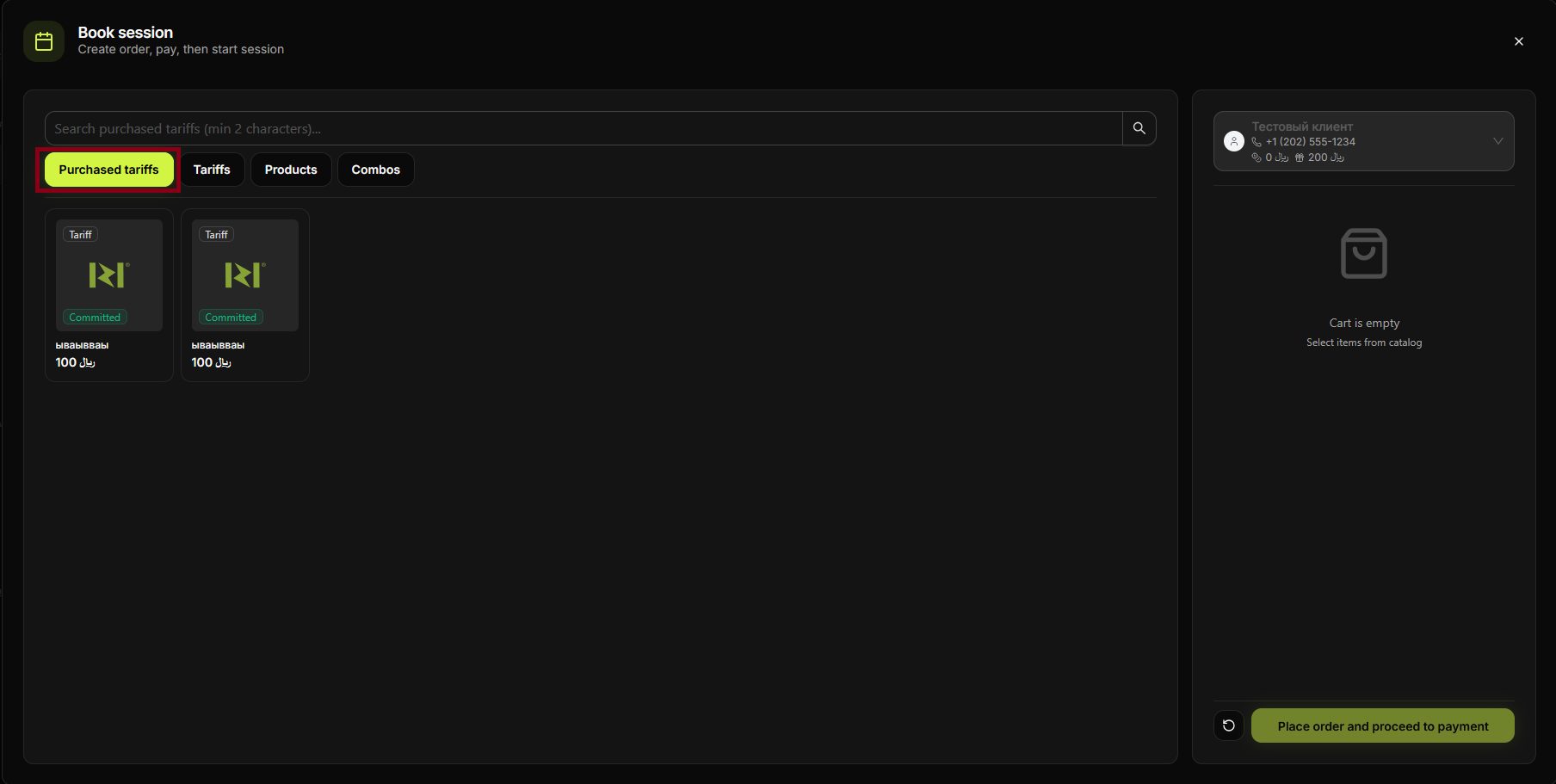
Start or extend a session using the player's unused (leftover) game time—e.g. time that was not used in a previous session or from a package. No new payment is taken.
Step 1
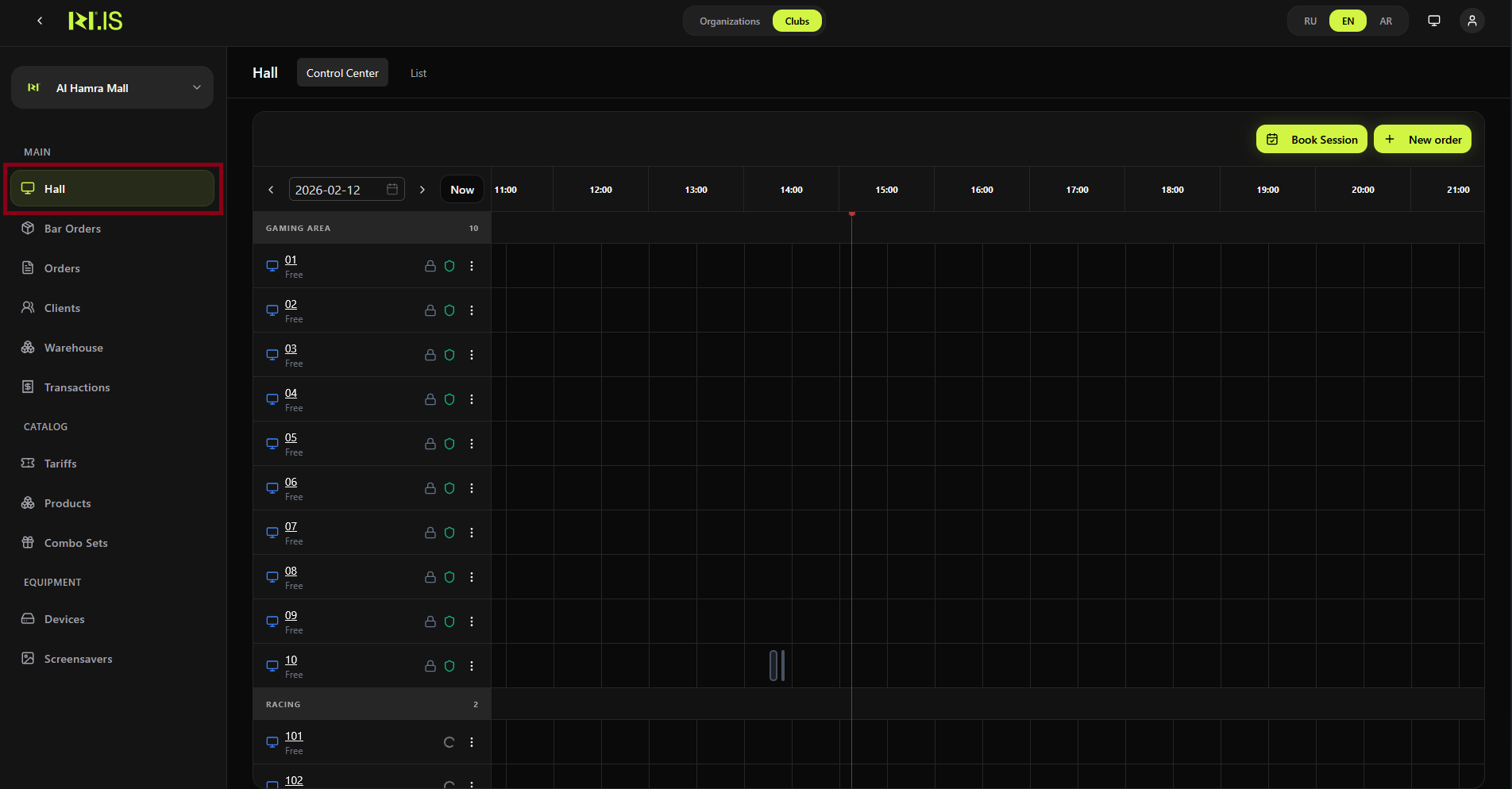
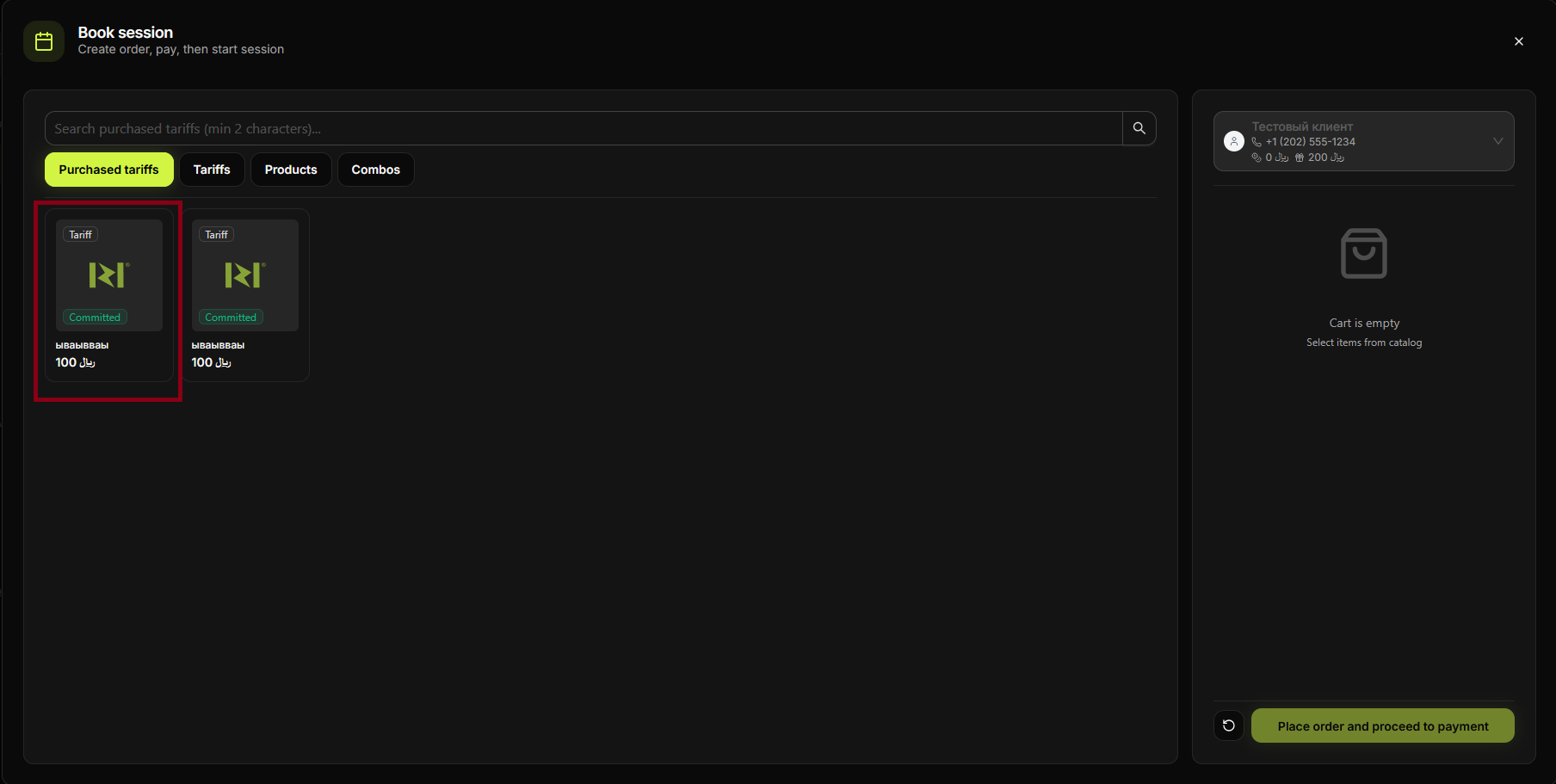
Open Hall or the client's profile. Find where unused time or packages are shown.
Step 2
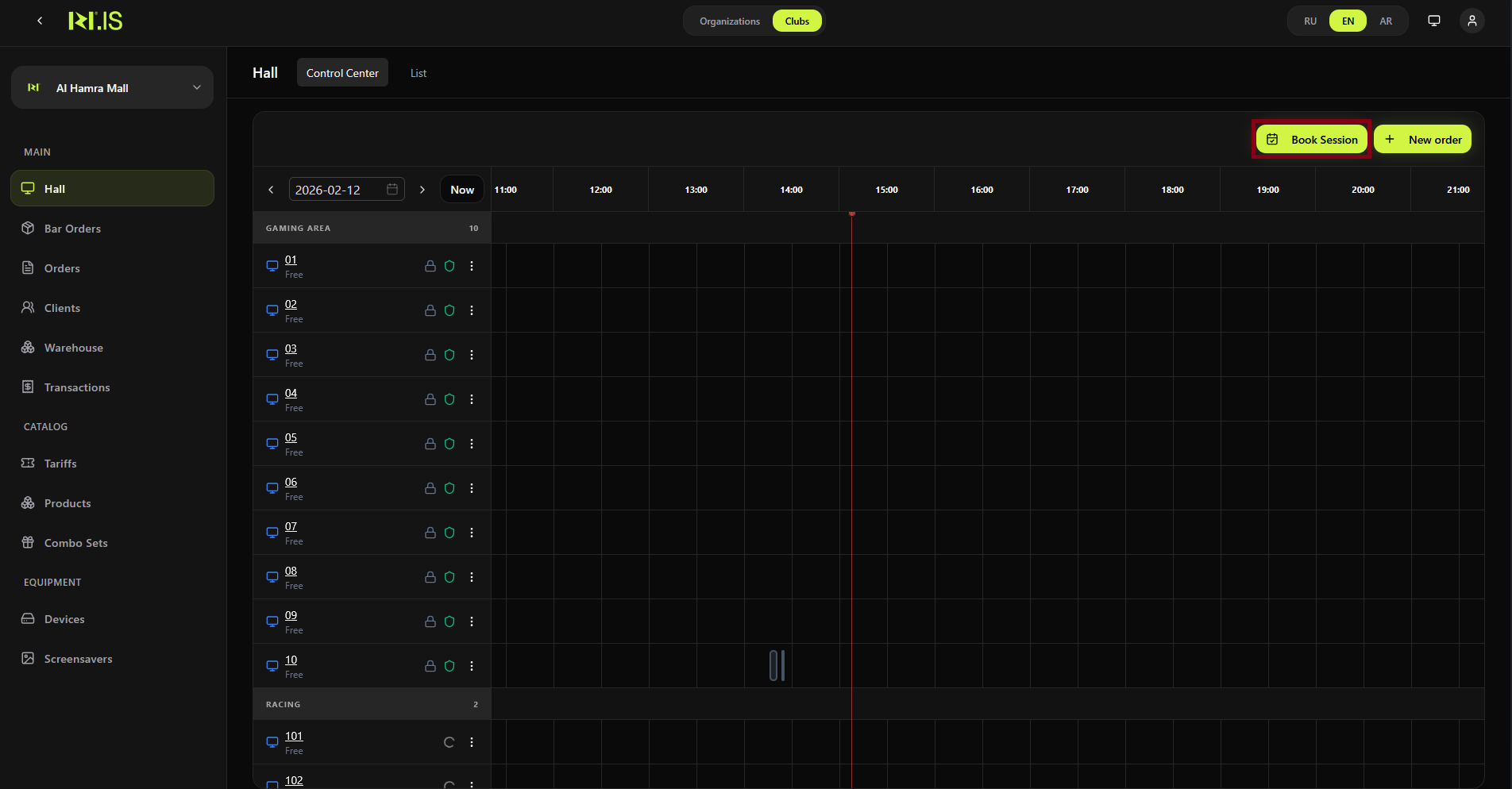
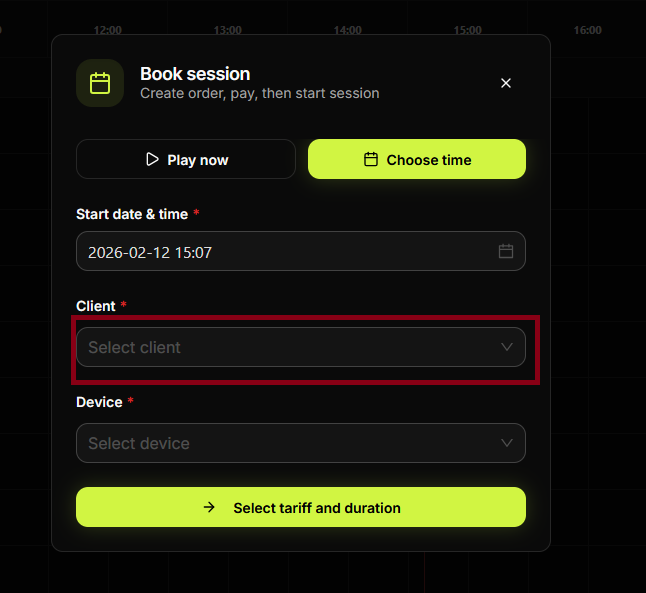
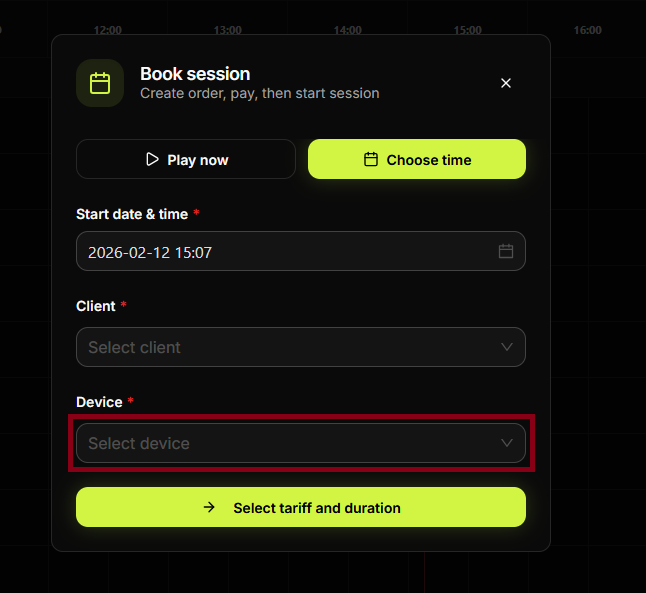
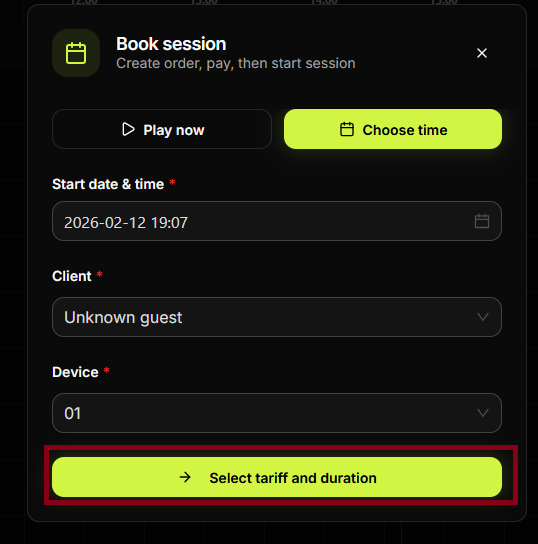
Select the client and the device. Choose to use unused time or the relevant package.
Step 3
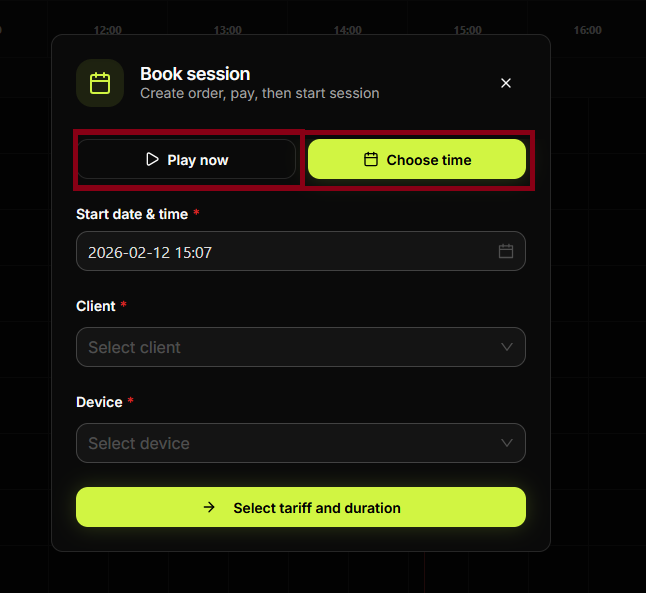
Select the amount of time or the package to activate. Confirm the selection.
Step 4
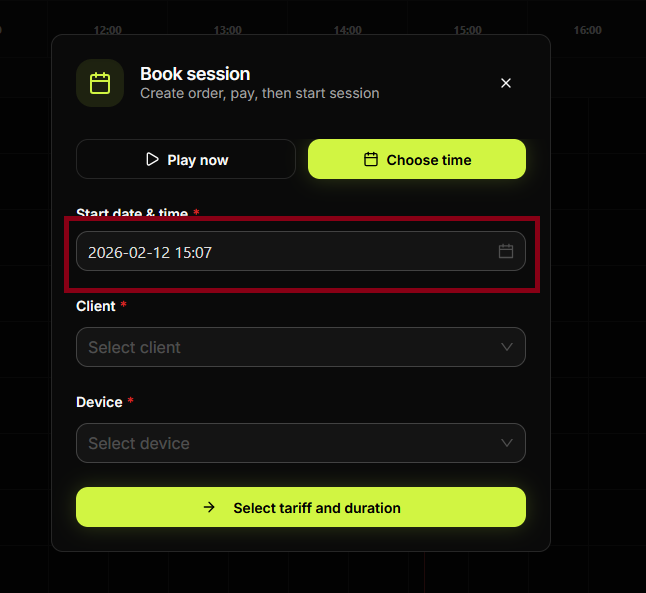
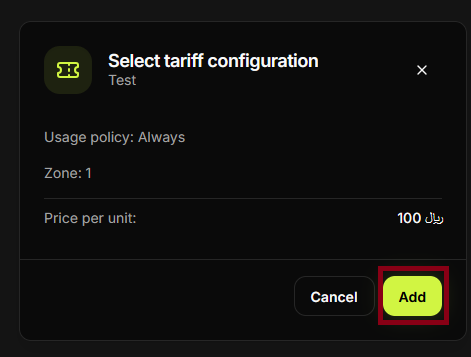
If a configuration or confirmation step appears, set options and proceed.
Step 5
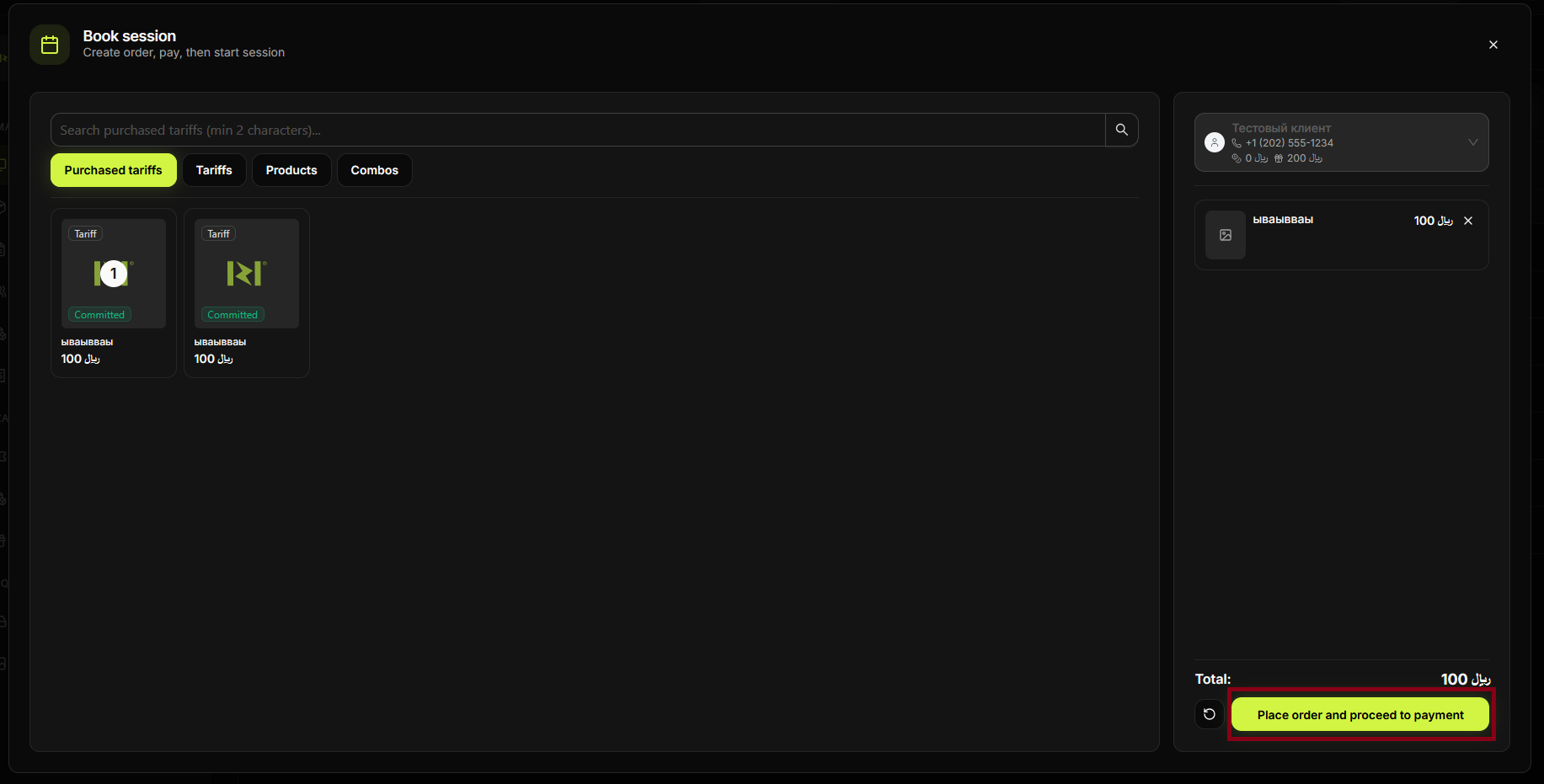
Confirm activation. No payment step if the time is already paid.
Step 6
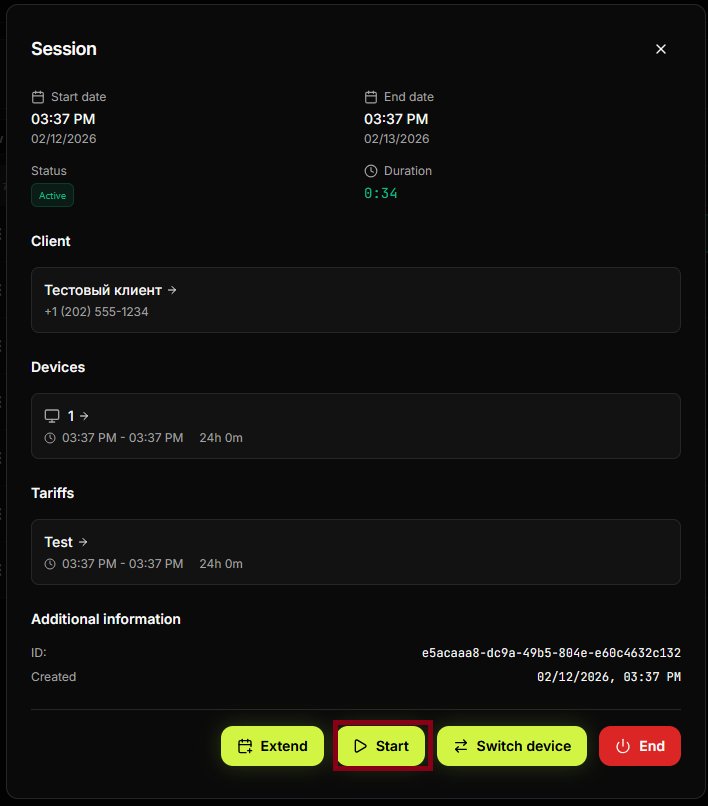
The session starts (or time is added). The device shows the session as active.
Step 7
Unused time balance is reduced accordingly. You can check it in the client card or Transactions.
Step 8
Session is visible in the Hall.
Step 9
Transaction or usage record appears in the list.
Step 10
Client can use the PC for the activated time.
Step 11
Optional: check client balance or history.
Step 12
Process complete. Session runs on unused time.
Summary
Unused time = already paid time (e.g. from a package or previous session). Activate it for the current device without a new payment.
Common situations
| No unused time | Check the client's balance or packages; they may need to buy a new tariff. |
| Wrong device | Cancel before confirming and select the correct device, or use Transfer user after start. |