Book session for later (pay before start)
Book a session for a future time: select Choose time, set the start date and time, choose client and device, add the tariff, and pay. The session stays in Wait until the selected time, then starts automatically.
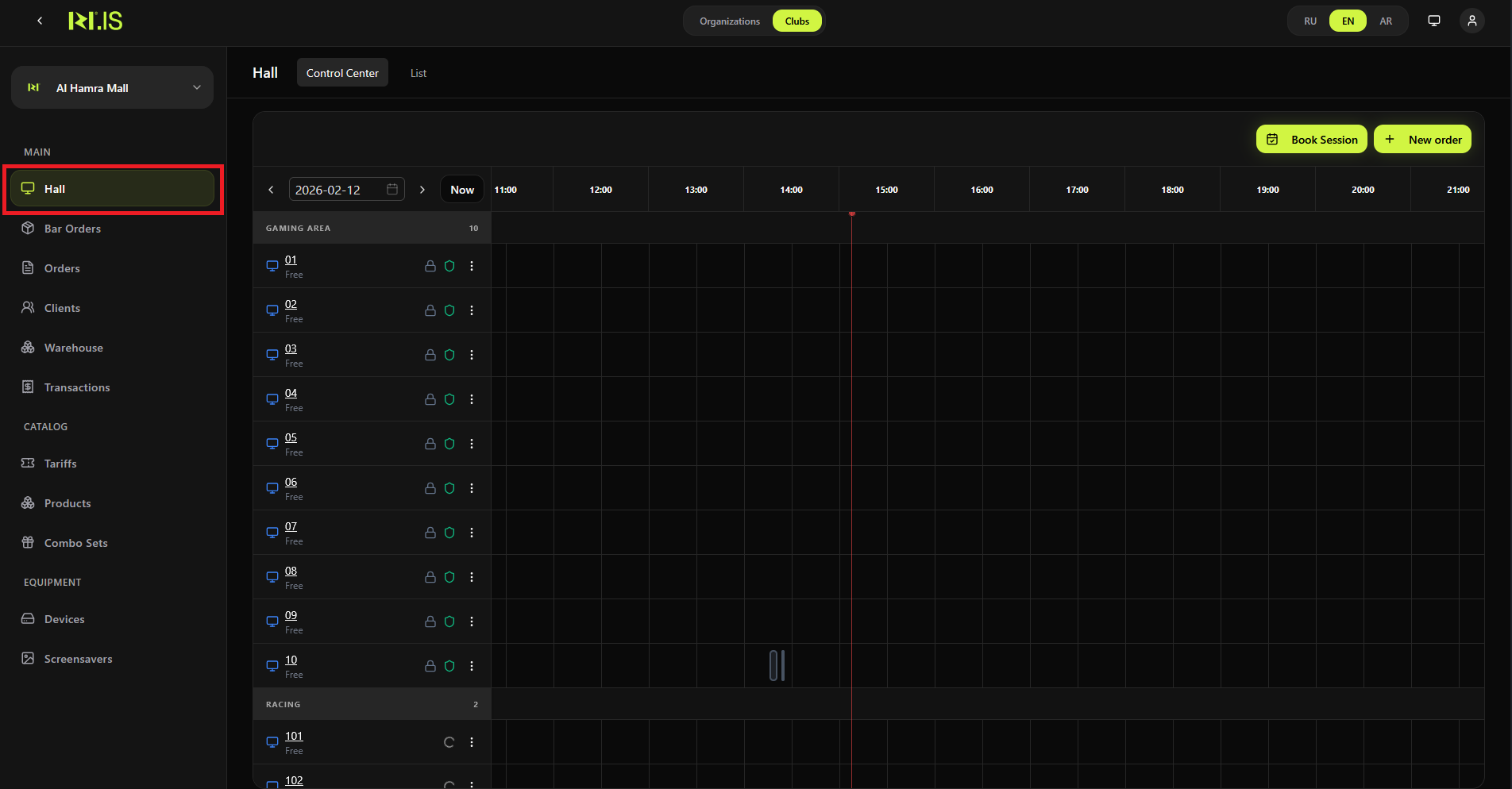
Step 1. Open Hall and Book Session
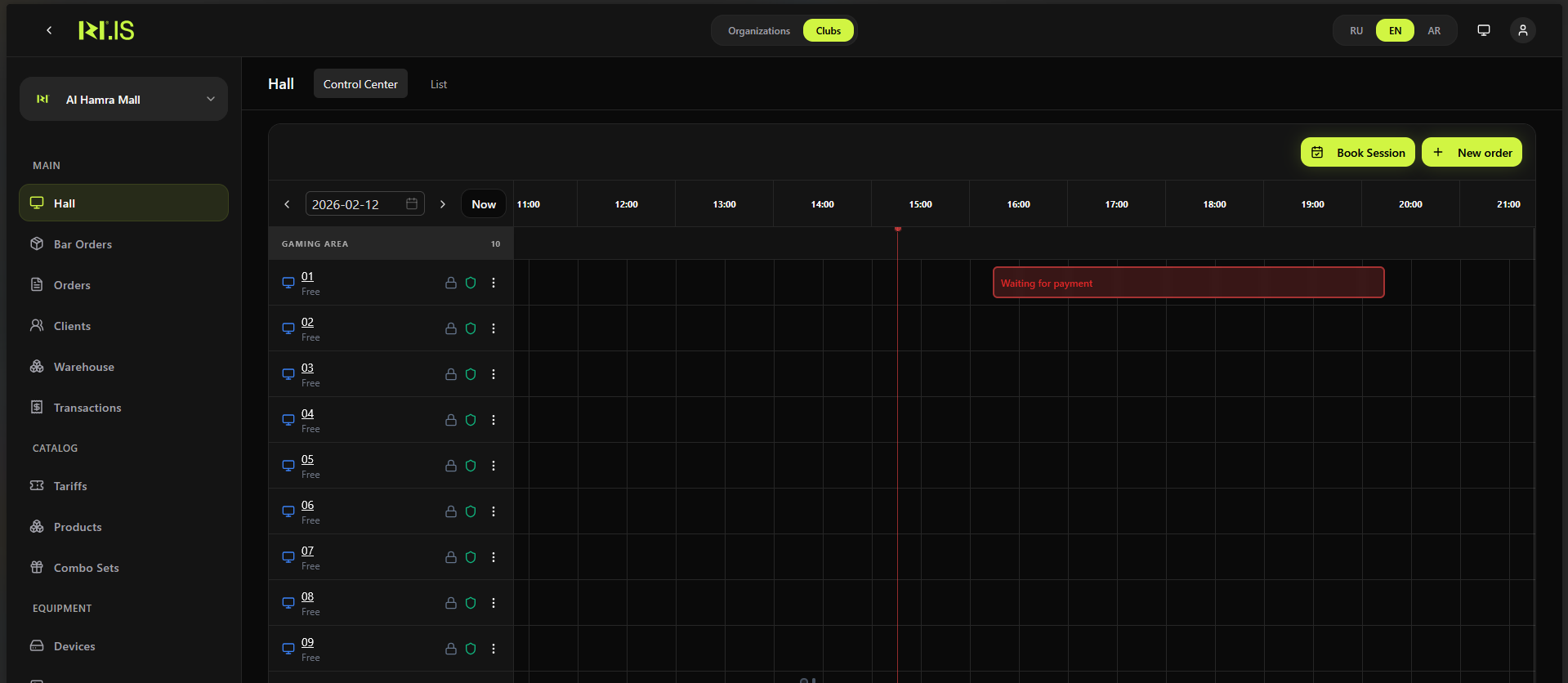
In the left sidebar, select Hall. Click Book Session.
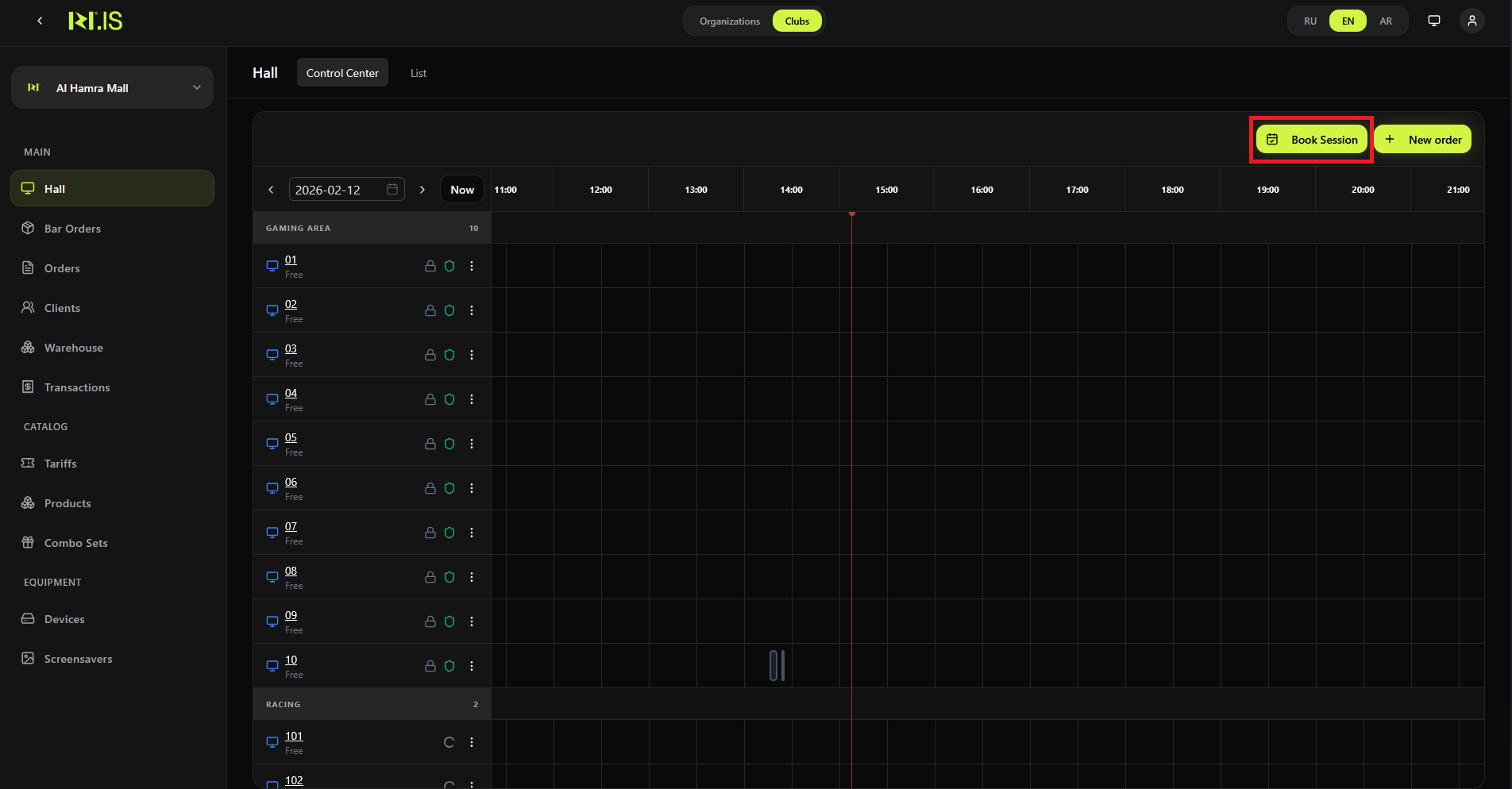
Step 2. Choose time
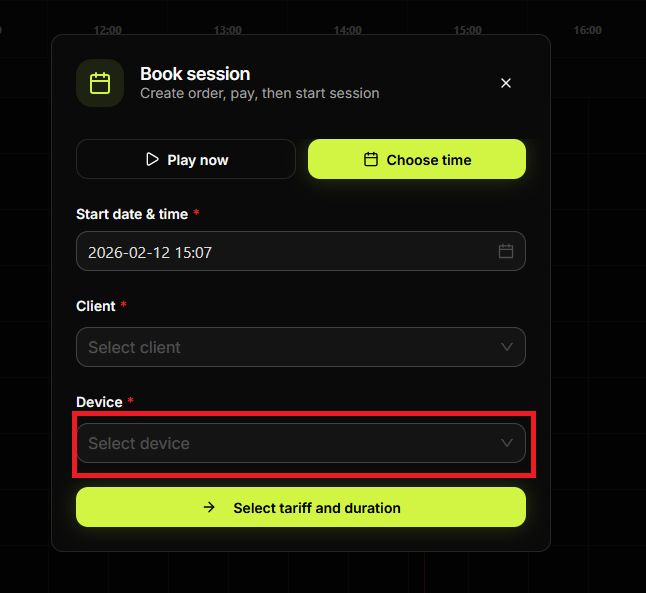
In the Book session dialog, select Choose time (not Play now). The **Start date & time *** field appears.
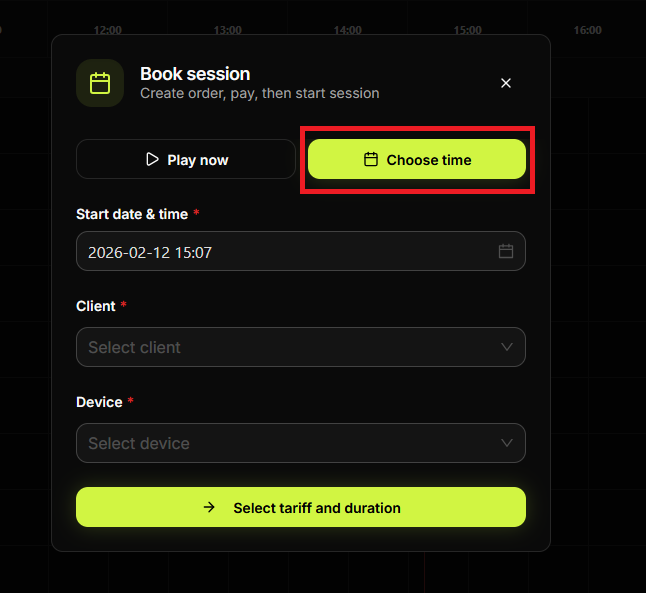
Step 3. Set start date and time
Click the date/time field and select the date in the calendar and the time (hour and minute). Click OK.
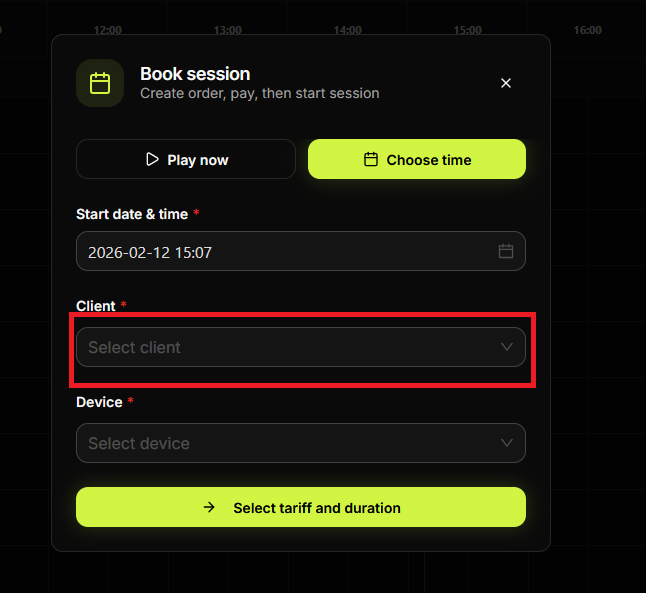
Step 4. Select client and device
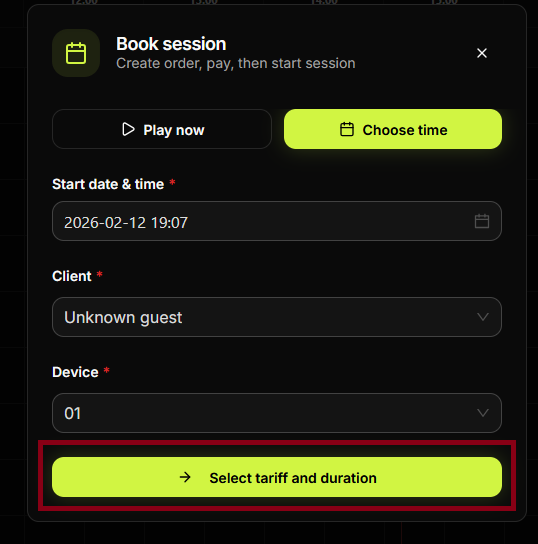
Select **Client *** and **Device ***. Then click Select tariff and duration.
Step 5. Add tariff
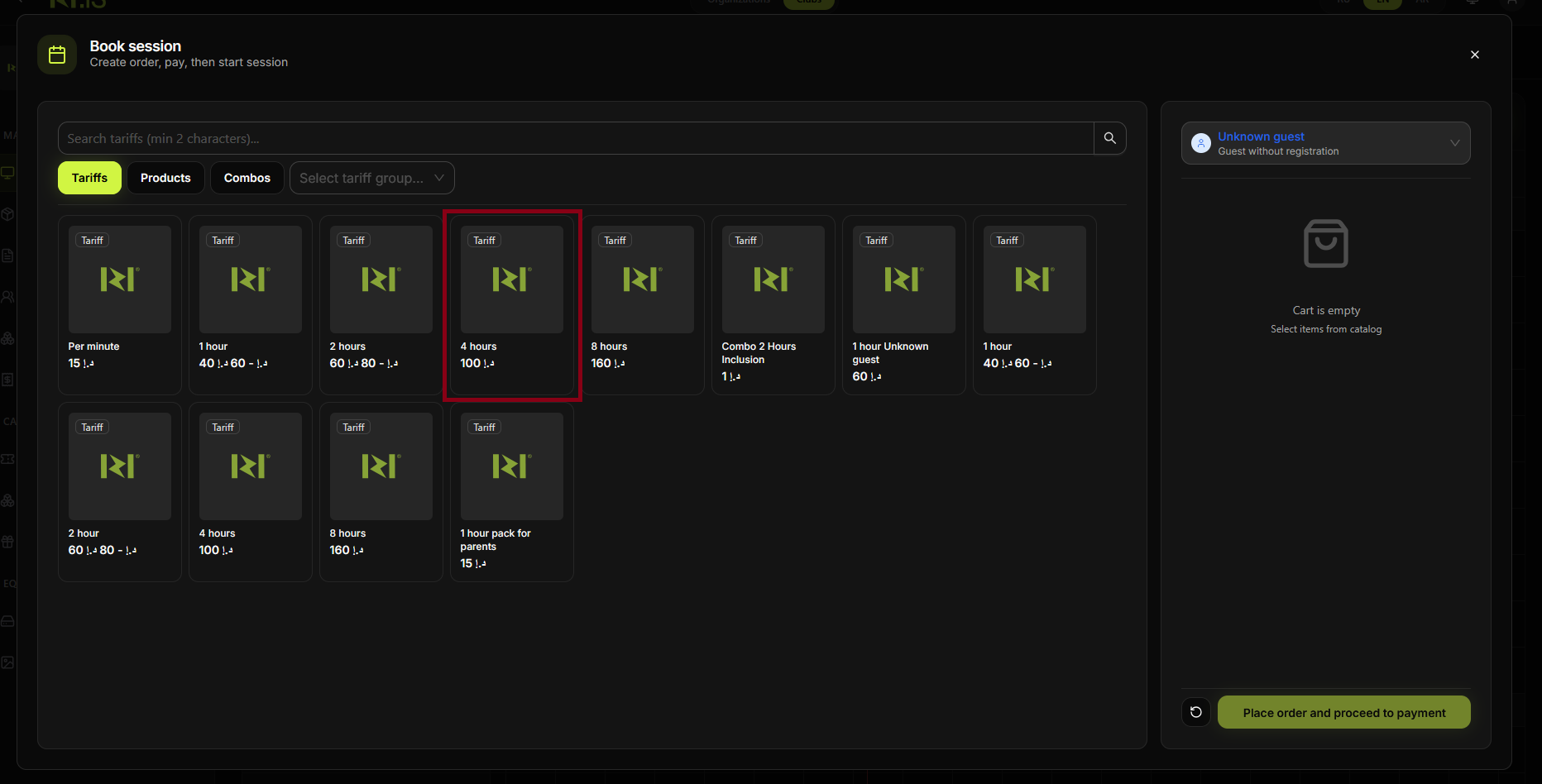
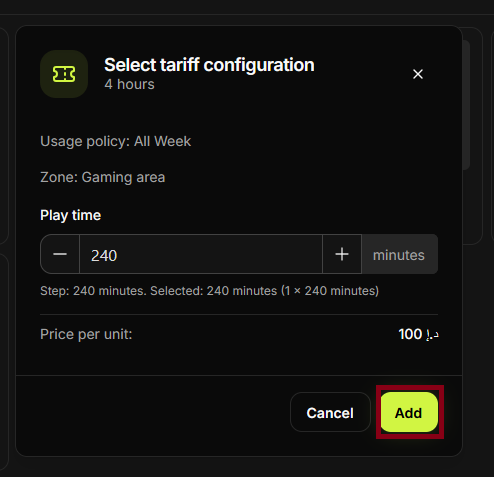
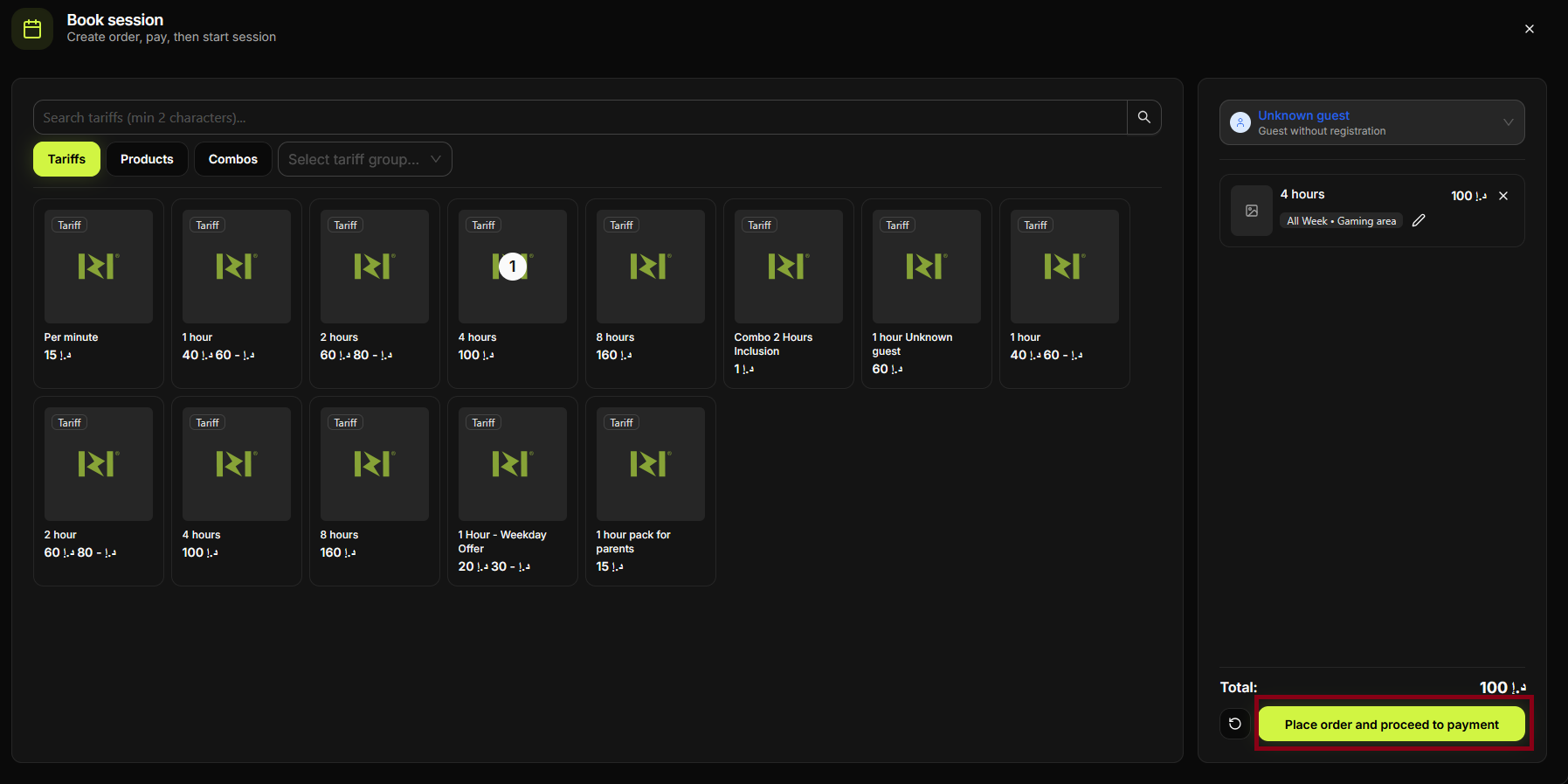
In the Tariffs tab, click the tariff (e.g. 1 hour). In the configuration dialog, set play time and click Add.
Step 6. Place order and proceed to payment
Check the cart and click Place order and proceed to payment.
Step 7. Pay
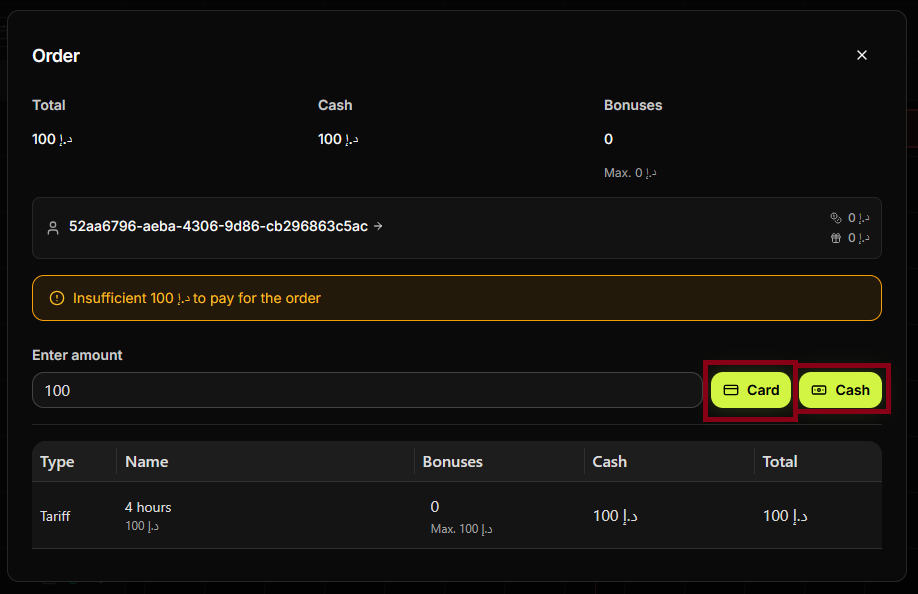
In the Order dialog, enter the amount and choose Card or Cash. Complete the payment.
Step 8
Confirm. The session is created and stays in Wait until the selected start time.
Step 9
You can see the booked session in the Hall or List for the chosen date/time.
Step 10
At the selected time the session starts automatically (or you can start it manually if your system allows).
Step 11
Transaction is recorded. Booking is complete.
Summary
Choose time = pay now, session starts at the set time. Flow: Book Session → Choose time → date & time → Client & Device → Tariff → Pay → session in Wait until start time.
Common situations
| Wrong date/time | Cancel before paying and start again, or check if the session can be edited in the Hall. |
| Session not starting at time | Refresh the Hall; some systems require manual start—see "Start session for player". |