Activate tariff with payment
Activate a session tariff for a player and collect payment by Card or Cash. The flow is: Book Session (or equivalent), select client and device, add the tariff, then pay in the Order dialog.
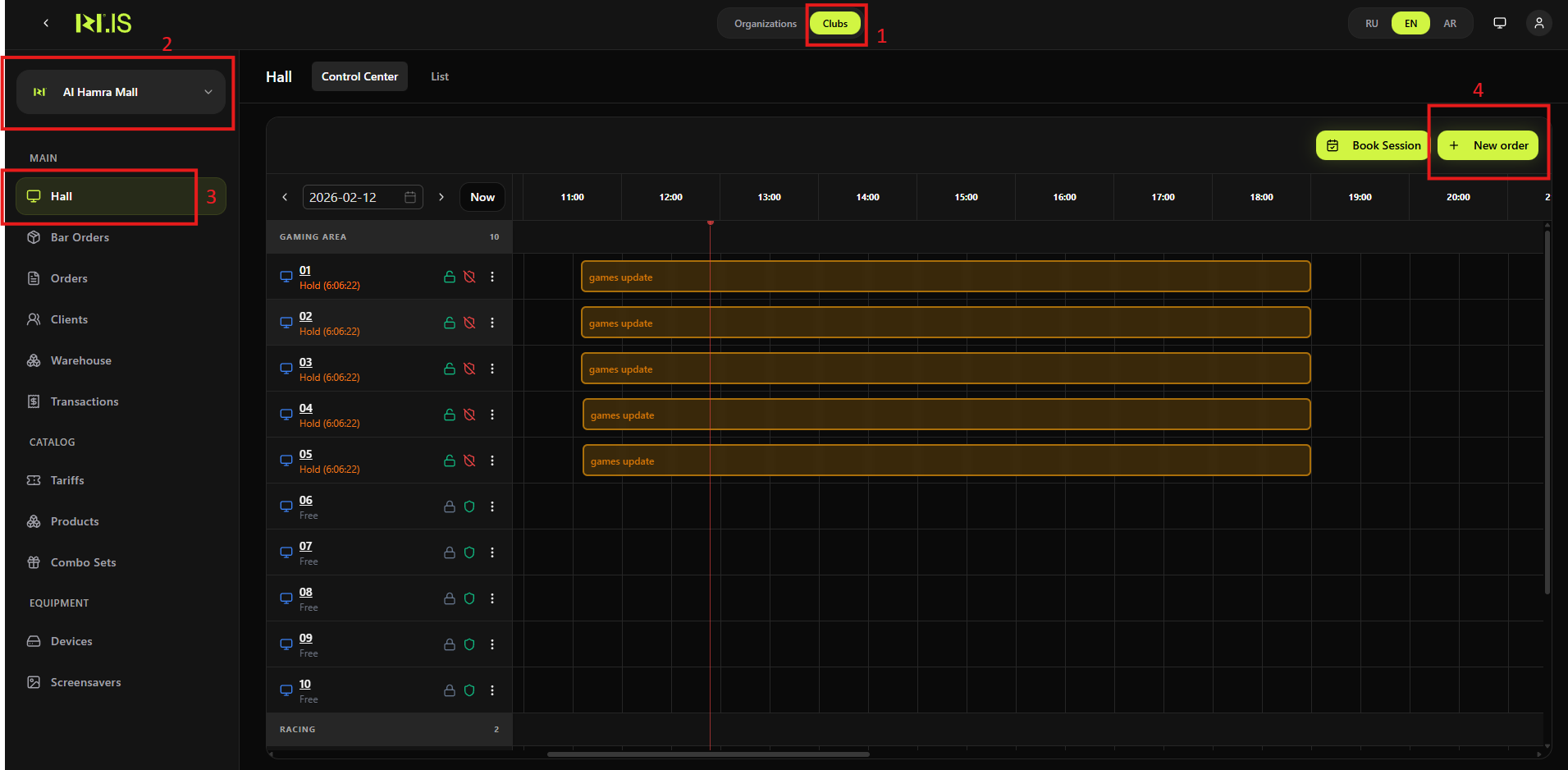
Step 1. Open the Hall and start booking
In the left sidebar, select Hall. Open the Control Center or List tab. Click Book Session.
Step 2. Select client and device
Choose Play now or Choose time, then select the **Client *** and **Device ***. Click Select tariff and duration.
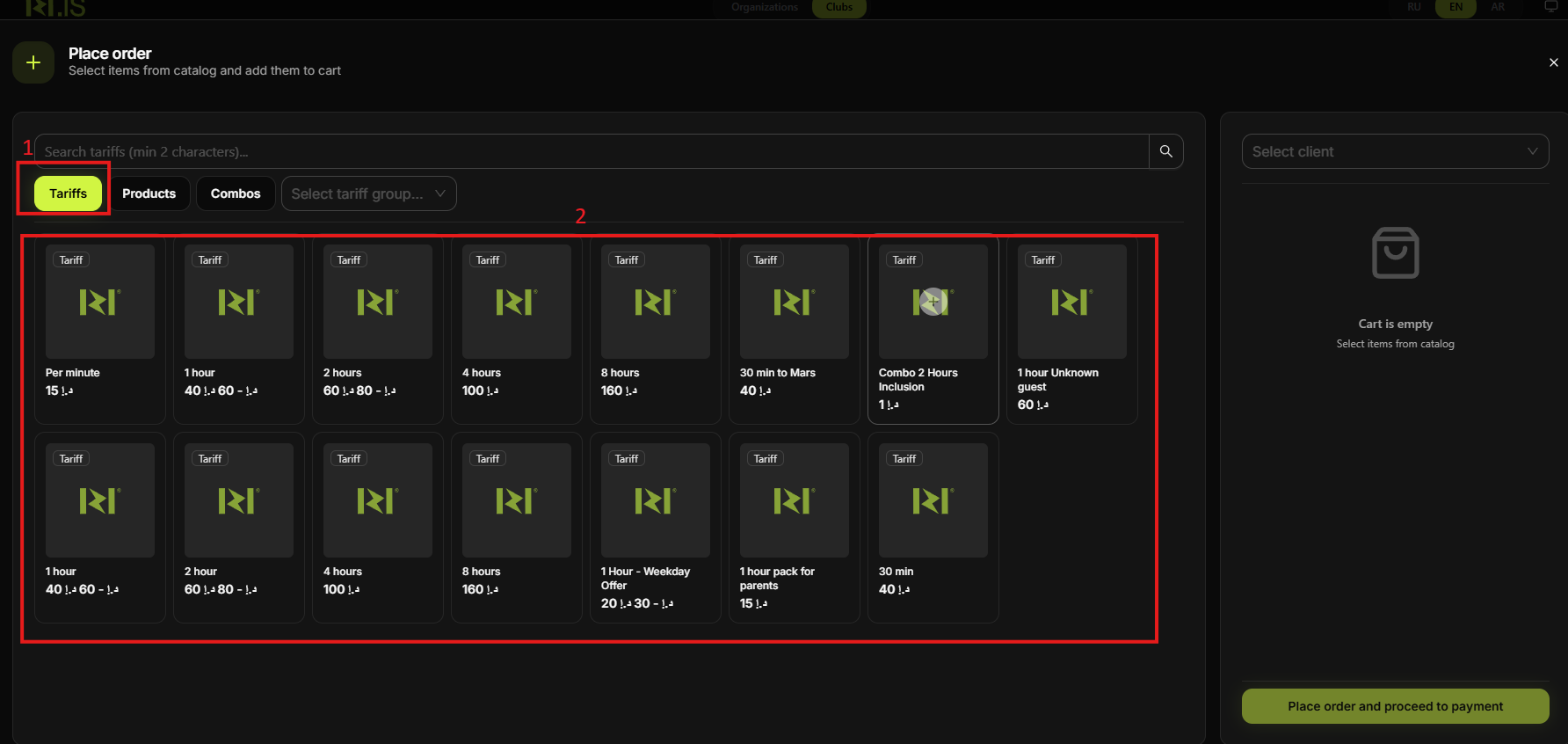
Step 3. Add the tariff
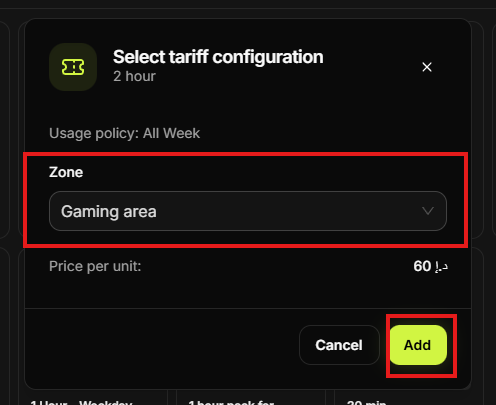
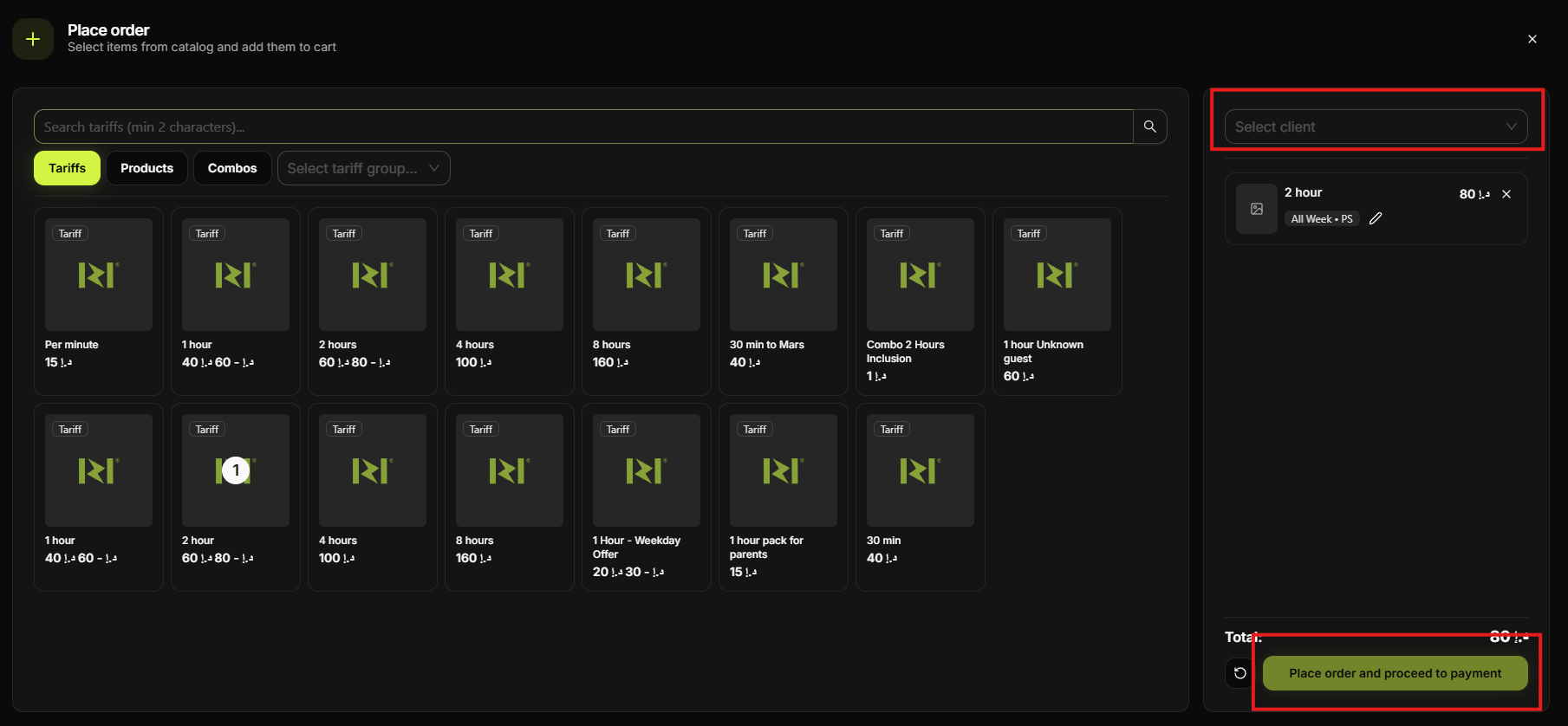
In the Tariffs tab, click the tariff (e.g. 1 hour). If the configuration window appears, set play time and click Add. Then click Place order and proceed to payment.
Step 4. Enter amount and choose payment method
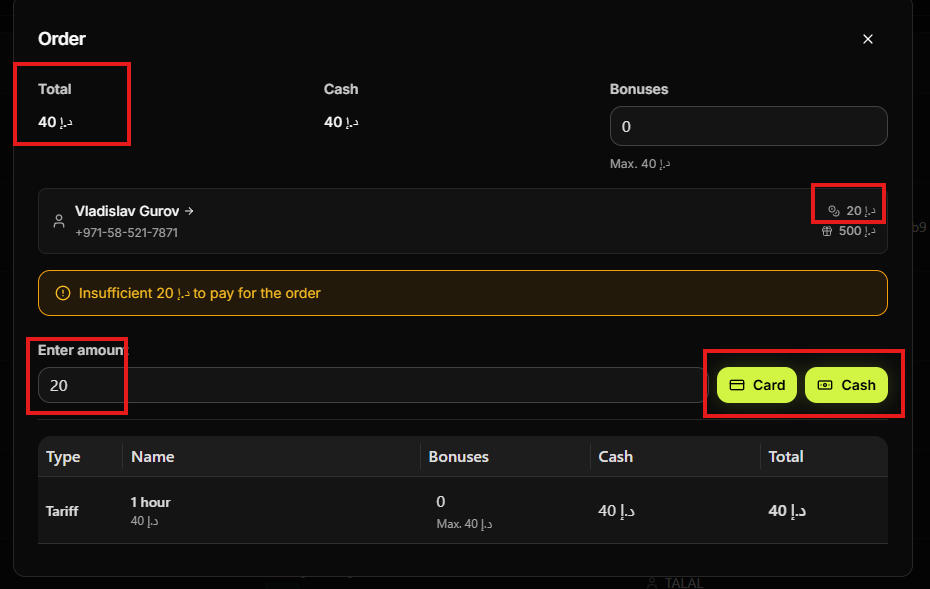
In the Order dialog, enter the amount in Enter amount. Click Card or Cash to choose how the customer pays.
Step 5. Complete the payment
Process the card payment on the terminal or accept the cash. Confirm the order. The tariff is activated and the session starts (or is scheduled). The transaction is recorded.
Summary of scenarios
| Pay by Card/Cash | Hall → Book Session → client & device → tariff → Order → Enter amount → Card or Cash → confirm. |
| Pay by balance | See "Activate tariff using existing balance" — choose balance at payment step. |
| Pay by bonuses | See "Activate tariff using bonus" — choose bonuses at payment step. |
Common situations
| Amount less than order total | Enter an amount at least equal to the order total before selecting Card or Cash. |
| Session not starting (Play now) | Ensure payment was confirmed; refresh the Hall/Control Center and check device status. |
| Choose time — when does it start? | Session stays in Wait until the selected start time; then it activates automatically. |