Register new player
Create a new client (player) in the system so they can book sessions, use balance, and get bonuses. Use Clients and the option to add a new client.
Step 1
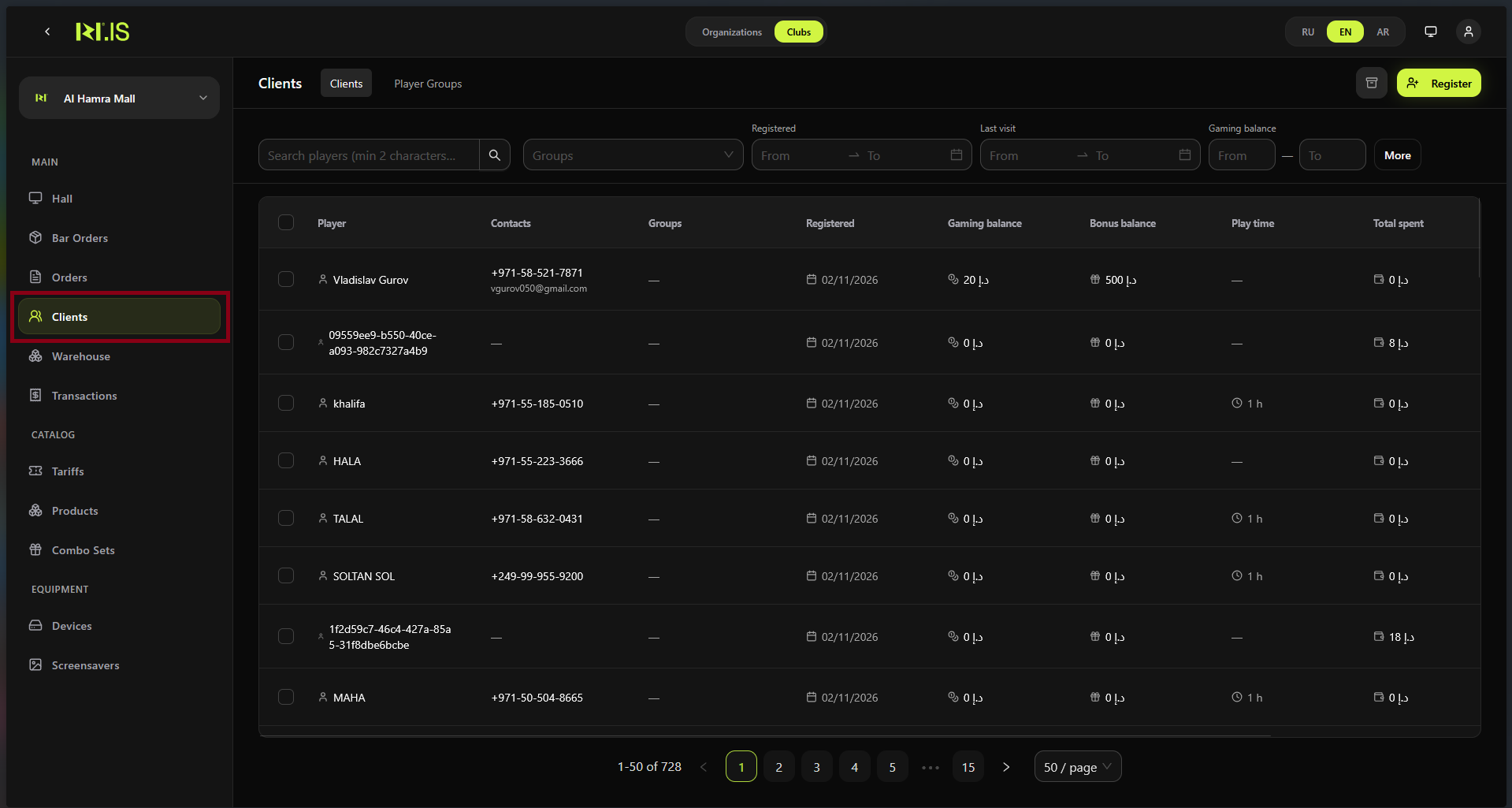
In the left sidebar, select Clients. The clients list and filters are displayed.
Step 2
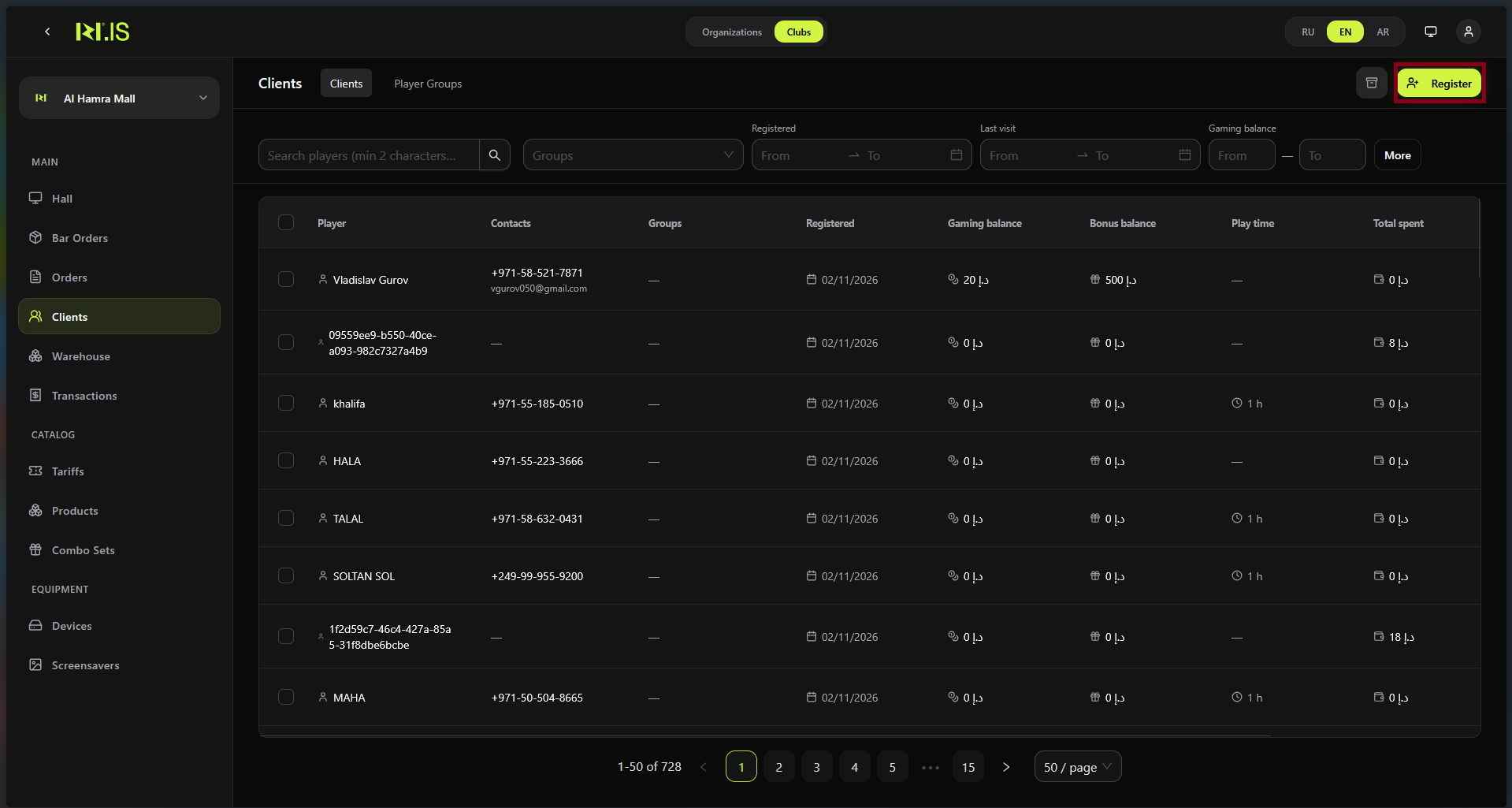
Click the button to add a new client (e.g. + New client or Register client). The registration form opens.
Step 3
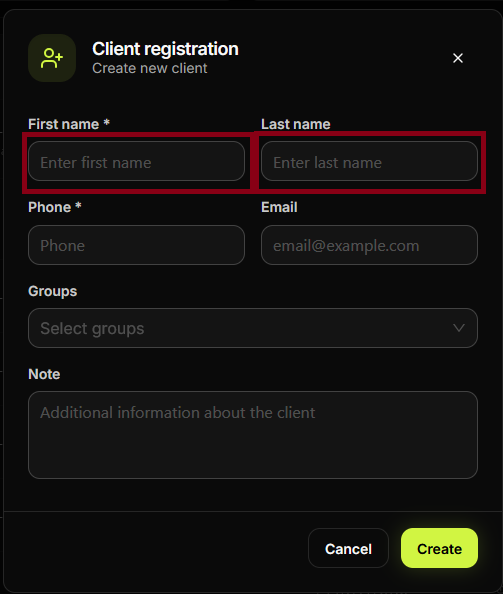
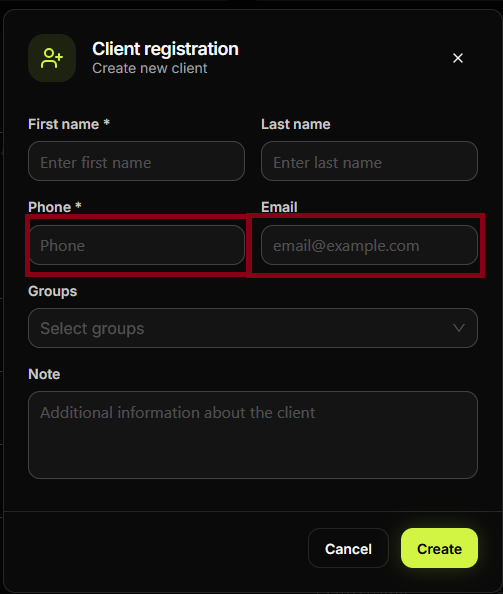
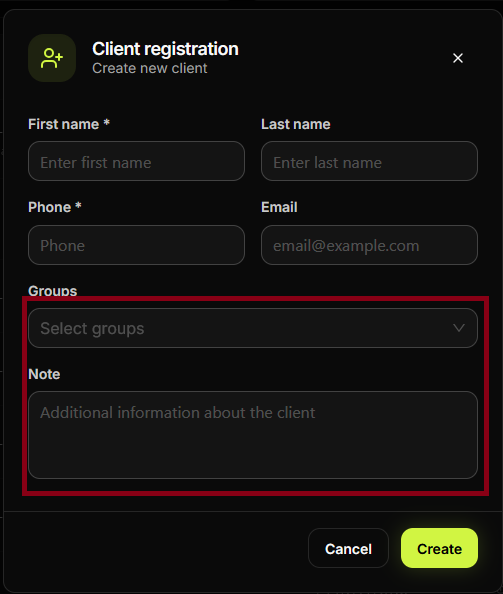
Fill in the required fields: name, phone and/or email, and any other data required by your club.
Step 4
Check the data and complete any optional fields (e.g. tags, notes).
Step 5
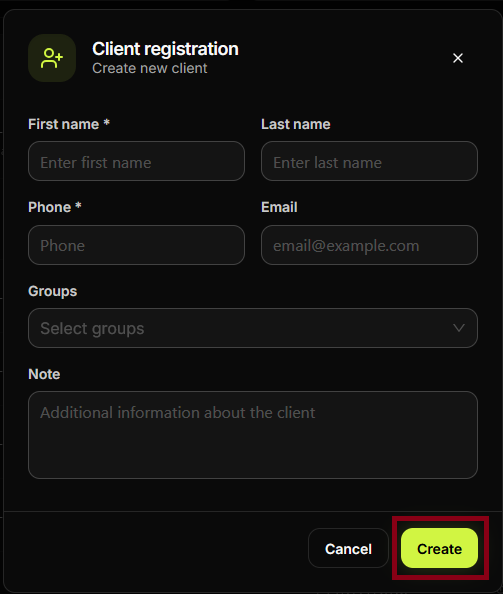
Save the client. Click Save, Create, or Register.
Step 6
The new client appears in the Clients list. You can now select them when booking sessions or accepting payments.
Summary
| 1–2 | Clients → add new client |
| 3–5 | Fill required fields → save |
| 6 | Client is available for sessions and payments |
Common situations
| Required field missing | Fill in all fields marked with * before saving. |
| Duplicate phone/email | System may warn if the contact already exists; check Clients list or use existing client. |